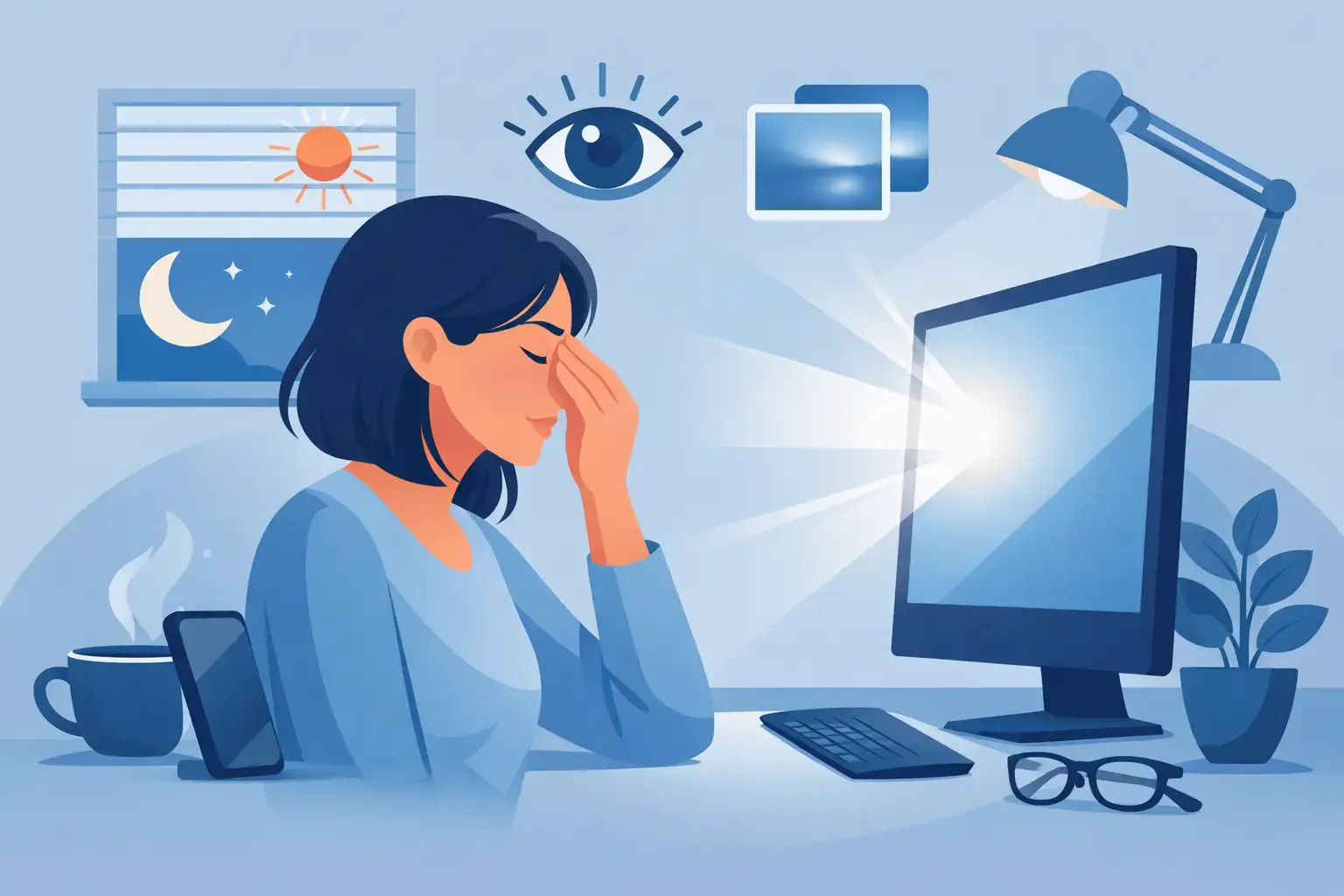
By 3pm, a lot of people know the feeling without needing a name for it: dry eyes, a faint headache, blurred focus, and that tired, gritty sensation that shows up after hours of emails, spreadsheets, scrolling or late-night streaming. If you are looking for how to reduce screen eye strain, the good news is that most of the fix is practical. You do not need a complicated routine. You need a few smart adjustments that make screens easier on your eyes and less draining on the rest of your body.
What screen eye strain actually is
Screen eye strain, often called digital eye strain, is not usually caused by one dramatic problem. It is more often the result of small stresses stacking up. You stare at a bright display for too long. You blink less. Your shoulders creep forwards. The room lighting is poor. The text is too small. By the end of the day, your eyes have been working harder than they should.
That is why quick fixes do not always work on their own. Blue-light glasses might help some people in certain situations, especially in the evening, but they will not solve dry eyes caused by reduced blinking or neck tension caused by a poor setup. If you want lasting relief, it helps to think in layers: screen settings, environment, work habits and recovery.
How to reduce screen eye strain at your desk
Start with the screen itself. If your display is far brighter than the room around you, your eyes have to keep adapting. That constant adjustment can feel tiring surprisingly quickly. Lower the brightness until it feels comfortable rather than dazzling, and raise text size so you are not squinting or leaning in.
Contrast matters too. Black text on a clean, light background is usually easiest to read for long stretches, though some people prefer a darker mode in dim settings. There is no single rule here. If dark mode reduces glare for you, use it. If it makes text appear less crisp and harder to read, stick with a light background and manage the brightness instead.
Screen position is one of the biggest misses. Your monitor should sit roughly an arm’s length away, with the top of the screen at or just below eye level. That angle lets your gaze fall slightly downward, which is generally more comfortable and may also reduce surface exposure of the eye, helping with dryness. If you are using a laptop on a kitchen table all day, the issue is often not just the screen. It is the whole posture that comes with it.
Hunching forwards puts strain on the neck, shoulders and upper back, and that tension can make eye strain feel worse. The eyes do not work in isolation. If your workstation forces your body into a cramped position, fatigue builds faster.
The small changes that make a real difference
A proper external keyboard and laptop stand can help if you work from a laptop regularly. So can a supportive chair and a desk height that allows your shoulders to stay relaxed. None of this needs to look like a corporate office. It just needs to remove friction from your day.
Reflections are another common problem. If a window sits directly behind your screen or bright overhead lights bounce off the display, your eyes are forced to fight glare as well as focus. Move the screen, adjust the blinds, or reposition a lamp so the light is softer and more even.
Breaks matter more than most people think
The most repeated advice is the 20-20-20 rule: every 20 minutes, look at something 20 feet away for 20 seconds. It sounds basic because it is. It also works for many people because it interrupts a very specific pattern - prolonged close focus without rest.
That said, it is not magic. If your workload makes that exact timing unrealistic, do not give up on the idea. The point is regular visual variation. Looking into the distance relaxes the focusing muscles in the eyes. Even short pauses help.
For some people, a better version is to pair eye breaks with natural task changes. After sending a batch of emails, stand up and look out of a window. After a video call, walk to make tea before opening the next document. Rigid routines can be hard to keep. Practical ones tend to last.
Blink more than you think you need to
When people concentrate on screens, they often blink less often and less fully. That means the tear film on the eye evaporates more quickly, leaving eyes dry, sore or watery. Yes, watery. Eyes often respond to dryness by overproducing tears that do not properly lubricate.
A conscious blinking reset can help. Every so often, especially during long reading sessions, close your eyes gently for a second or two and blink fully a few times. It feels almost too simple, but for dry office eyes it can make a visible difference.
If your home is dry from heating or poor air quality, that can add to the problem. Dry air speeds up tear evaporation. This is where the wider environment matters more than people realise.
Your room affects your eyes too
Eye strain is not only about the screen. The air, light and temperature around you can either support comfort or quietly work against it.
A room that is too dry can leave eyes feeling scratchy by midday, especially in winter or in spaces with constant central heating. Better humidity and cleaner air can make long screen sessions more tolerable. The goal is not perfection. It is reducing the background irritants that make your eyes work harder.
Lighting should also match the time of day. Bright, cool light can be useful for focus in the morning, but harsh light in the evening often feels more aggressive, especially when combined with phones and tablets held close to the face. Softer, warmer lighting later on tends to be easier on the eyes and better for winding down.
How to reduce screen eye strain in the evening
Evening screen use has a second problem: it does not just tire your eyes. It can interfere with sleep if bright light and stimulating content keep your brain switched on.
This does not mean you need a total screen ban after dinner. For most people, that is not realistic. A better approach is to reduce intensity. Lower screen brightness, switch on night settings if they feel more comfortable, and increase the viewing distance where possible. Watching something on a television across the room is generally less demanding than scrolling on a phone six inches from your eyes.
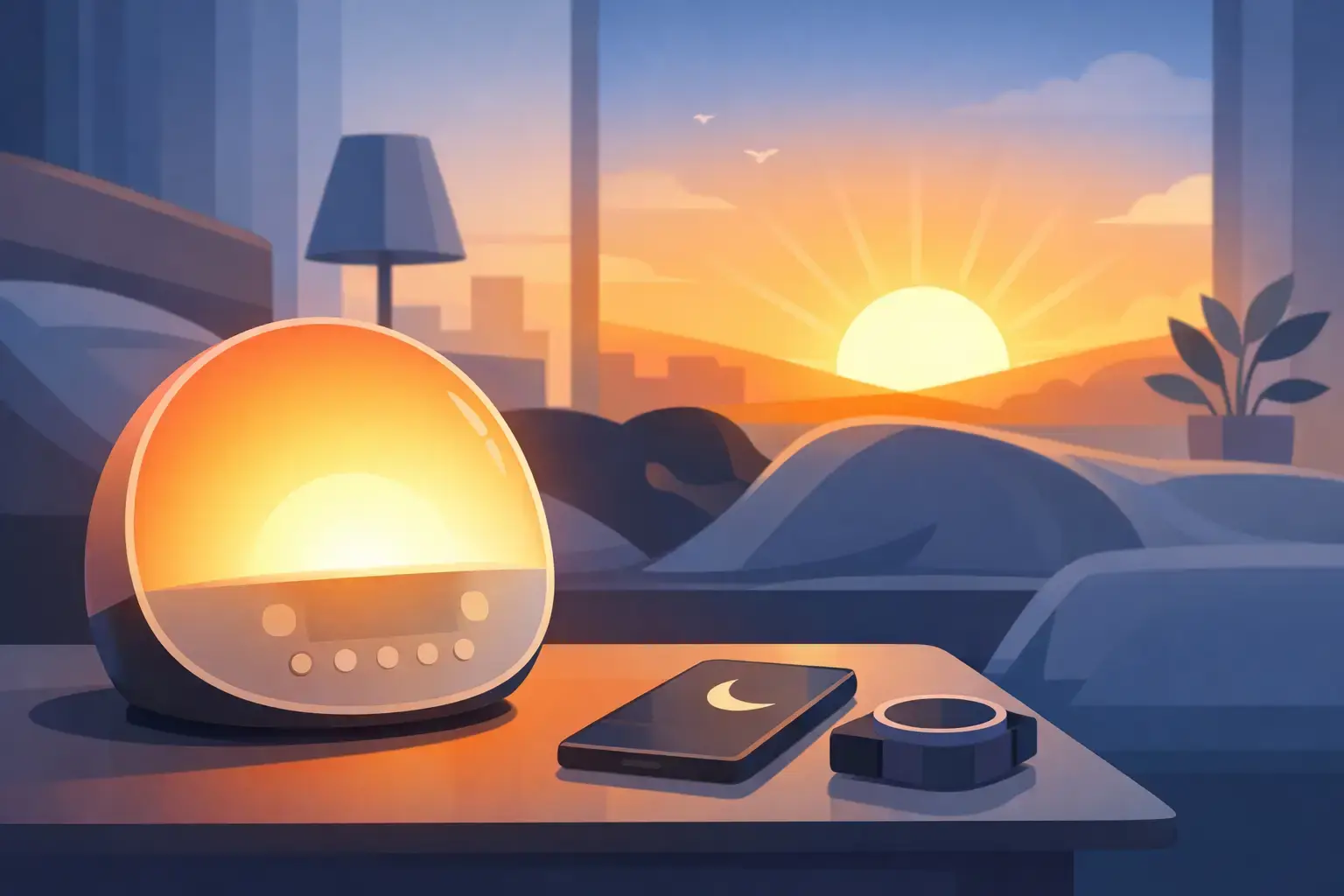
If you use screens late because it is the only quiet part of the day, build in a buffer before bed. Ten to twenty minutes away from devices can help your eyes settle. So can a calmer transition such as dimmer lighting, less visual clutter and fewer rapid-fire notifications.
For some people, this is also the point where simple recovery tools fit naturally. A short period of warmth around the eyes can feel soothing after a long day of close focus, especially when tension and dryness are part of the picture. Used well, products like eye massagers are not a cure-all, but they can support a more restorative evening routine. That practical, no-fuss approach is exactly why brands like Elvora focus on wellness tools that earn their place at home.
When the issue is not really the screen
Sometimes screen eye strain is partly a vision problem that becomes obvious under digital load. If you are getting frequent headaches, struggling to refocus, or noticing persistent blur, it may be time for an eye test. A small prescription change can make a bigger difference than any display setting.
Contact lenses can also make screen time harder for some people, particularly in dry environments. Glasses may feel more comfortable on long workdays. If you already wear glasses, lens coatings designed to reduce glare may help, although the benefit varies from person to person.
This is where honesty matters. Not every case of eye strain can be solved by posture and breaks alone. If symptoms are strong, frequent or getting worse, get them checked.
A realistic routine you can actually keep
The most effective answer to how to reduce screen eye strain is usually a modest routine done consistently. Set your screen brightness properly in the morning. Keep text large enough to read without effort. Place your screen at a sensible height and distance. Blink more. Look away often. Make the room less dry and less glary. Ease off the intensity at night.
You do not need to do everything at once. Start with the obvious friction points. If your eyes are dry, focus on blinking, breaks and room conditions. If you get headaches, check brightness, glare and screen position. If evenings leave you wired and sore-eyed, reduce close-up screen use before bed.
Most people are not dealing with one big mistake. They are dealing with six small ones repeated every day. Fix enough of those, and your eyes usually tell you quickly that you are on the right track.
Comfort should not require a complicated system. A better setup, better habits and a calmer evening routine are often enough to turn screen time from draining to manageable.